
The address [email protected] remains the key to accessing all digital services of the academy. With the gradual migration to the national messaging system, the login process for the Créteil webmail has changed for some agents, without all accounts transitioning at the same pace.
Migration to the national messaging system: check your account status before any configuration
The deployment of the national messaging system is done academy by academy, and within the same academy, in successive waves. A Créteil agent may therefore find themselves in one of two situations: either their account has already migrated to messagerie.education.gouv.fr, or it still relies on the old platform webmel.ac-creteil.fr.
Attempting to log in on the wrong platform generates a rejection of credentials that resembles a password error. Before initiating an unnecessary reset, we recommend first testing the new national address. If the credentials are not recognized, the old platform is likely still active for this account.
This point is rarely documented in generic guides. Ministerial instructions describe the extension of the service to other territories without confirming a specific timeline for each batch of Créteil accounts. The only reliable source remains the ministry’s news page on the deployment, or the instructions provided by the relevant DSDEN.
To log in to the Créteil webmail without error, it is essential to identify in advance the platform that actually hosts your mailbox; otherwise, the following steps (mobile configuration, aliases, sorting rules) will be set up on an inactive server.

Logging into Créteil webmail: credentials and authentication process
The identifier is always the academic address in the format [email protected]. The password is the one from the Arena portal, common to all applications of the National Education (I-Prof, SIAM, Chorus).
Access from a browser on a computer or tablet
On the national messaging system, the homepage redirects to the academy’s identity provider. You must select the Créteil academy from the list and then enter your credentials. Authentication goes through the same SSO mechanism as other academic services.
On the old platform webmel.ac-creteil.fr, the entry is made directly on the login page, without intermediate redirection. The interface differs, but the credentials remain the same.
Resetting after the July-August campaign
All messaging passwords were reset during the summer. Agents who have not yet logged in since this operation must go through the “forgot password” procedure on the Arena homepage. Identity verification relies on the NUMEN or on personal information recorded in the system.
- Access the Arena page of the Créteil academy and click on “forgot password”
- Enter your NUMEN or, if not available, your civil status information as recorded by the rectorate
- Choose a new password that complies with security policy (the academy may impose periodic renewal)
- Immediately test the connection on the webmail platform corresponding to the migration status of your account
A password reset on Arena propagates to the messaging system, but synchronization may take a few minutes. Wait before concluding that it has failed.
Configuring academic messaging on a smartphone
Mobile configuration requires knowledge of server settings, which differ depending on the active platform.
IMAP, POP3, and SMTP servers
The IMAP protocol is preferred: it synchronizes folders between the webmail and the mobile client, whereas POP3 downloads messages without retaining the remote structure. The SMTP server exclusively manages sending, and its settings (port, TLS encryption) vary between the old academic infrastructure and the national messaging system.
Before manually entering a server in a smartphone mail application, check the current academic instructions. Settings published on third-party sites may correspond to the previous infrastructure and cause SSL certificate errors or authentication rejections on an already migrated account.
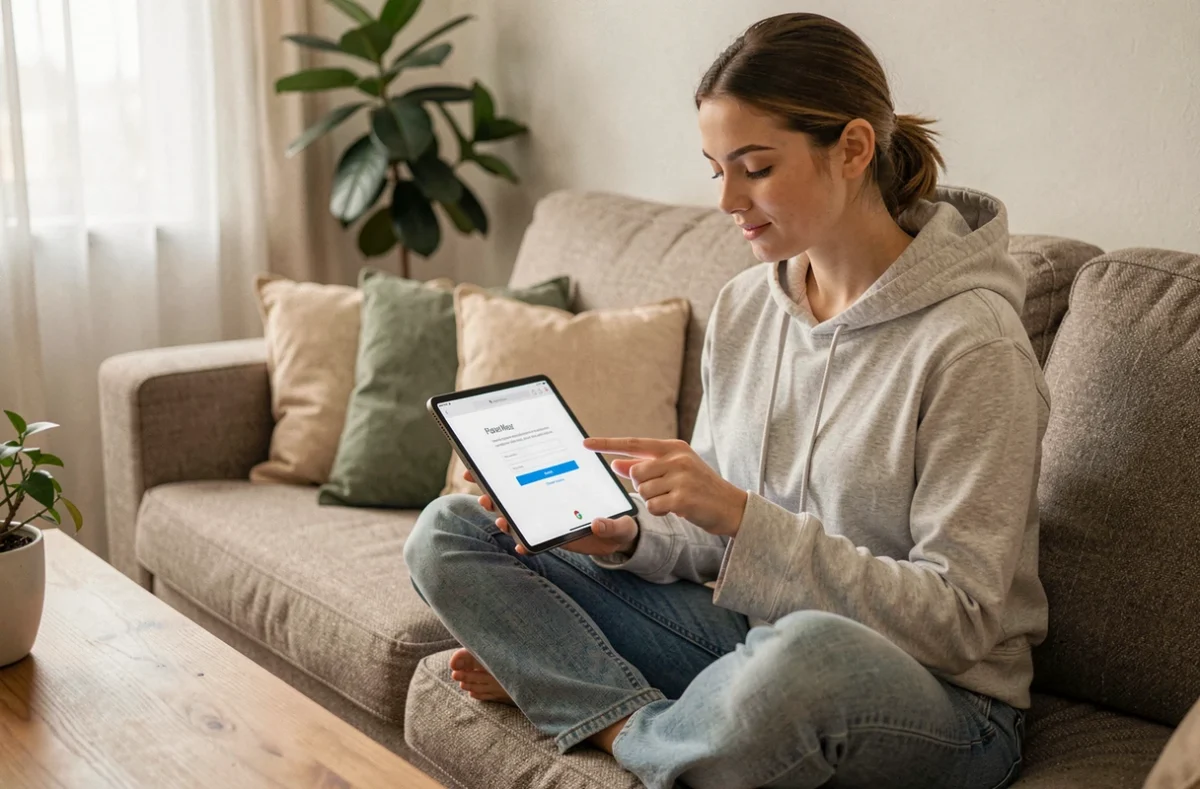
Mobile application or native client
- On iOS, the native Mail client accepts manual IMAP configuration; the Outlook app handles the SSO authentication of the national messaging system better
- On Android, Gmail allows the addition of an external IMAP account, but SSO redirections may require passing through the integrated browser
- The official ministry app, when available for the academy, simplifies configuration by automatically detecting servers
Persistent connection issues: cases not covered by standard guides
When the credentials are correct, the right platform is targeted, and the password has been successfully reset, a residual blockage often arises from the coexistence of the two systems.
An alias created on the old platform does not automatically migrate. Messages sent to this alias may fall into a void if the main account has switched to the national side. Check in the webmail settings that the aliases are properly linked to the correct server.
Automatic forwarding rules pose the same problem. A forwarding set up on webmel.ac-creteil.fr stops working once the account is migrated, without an error notification. Messages are simply lost on the sender’s side, who sometimes receives a non-delivery notice several days later.
For first-degree staff, the situation becomes more complicated when the contact address provided to families via the ENT still points to the old infrastructure. Updating the receiving address in the ENT as soon as the migration is effective prevents missing messages from parents for several weeks.
In case of persistent blockage, the academic support page remains the most direct channel. The tutorials accessible from the Colibris portal of the Créteil academy require prior authentication, which creates a deadlock if the issue is precisely about access. In this case, directly contacting the DSDEN by phone can resolve the situation without relying on the portal.